
Description
🔥 VT-d Ready motherboard built for DMA setups
If you're looking for the best motherboard to build a stable, pro-level DMA PC, this board is designed specifically for top performance and stability.
Unlike boards that rely on M.2-to-PCIe adapters, this board gives you a real PCIe x16 slot to install the DMA card directly, with no adapters, no PCIe lane splitting and no BIOS modifications.
✅ Available versions
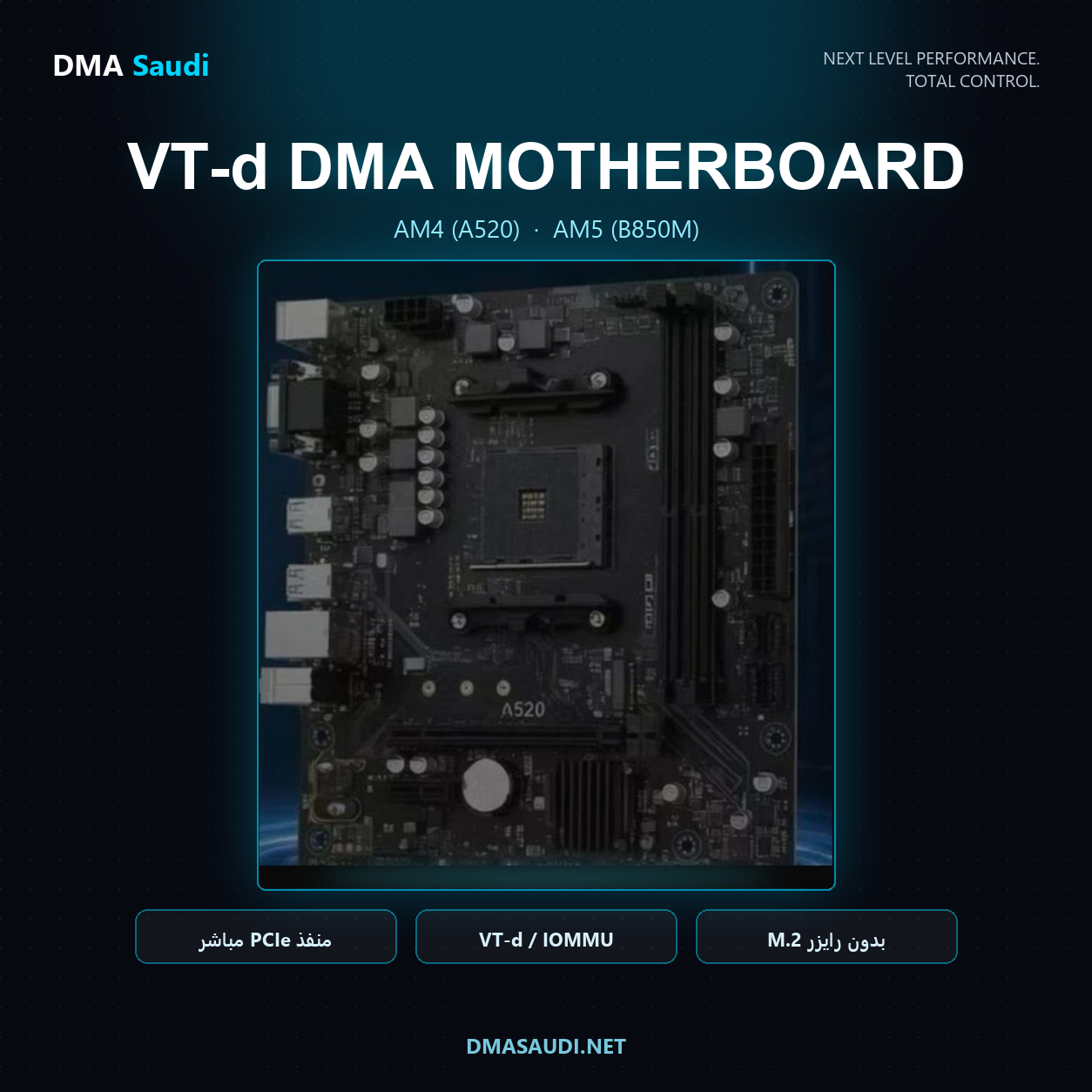
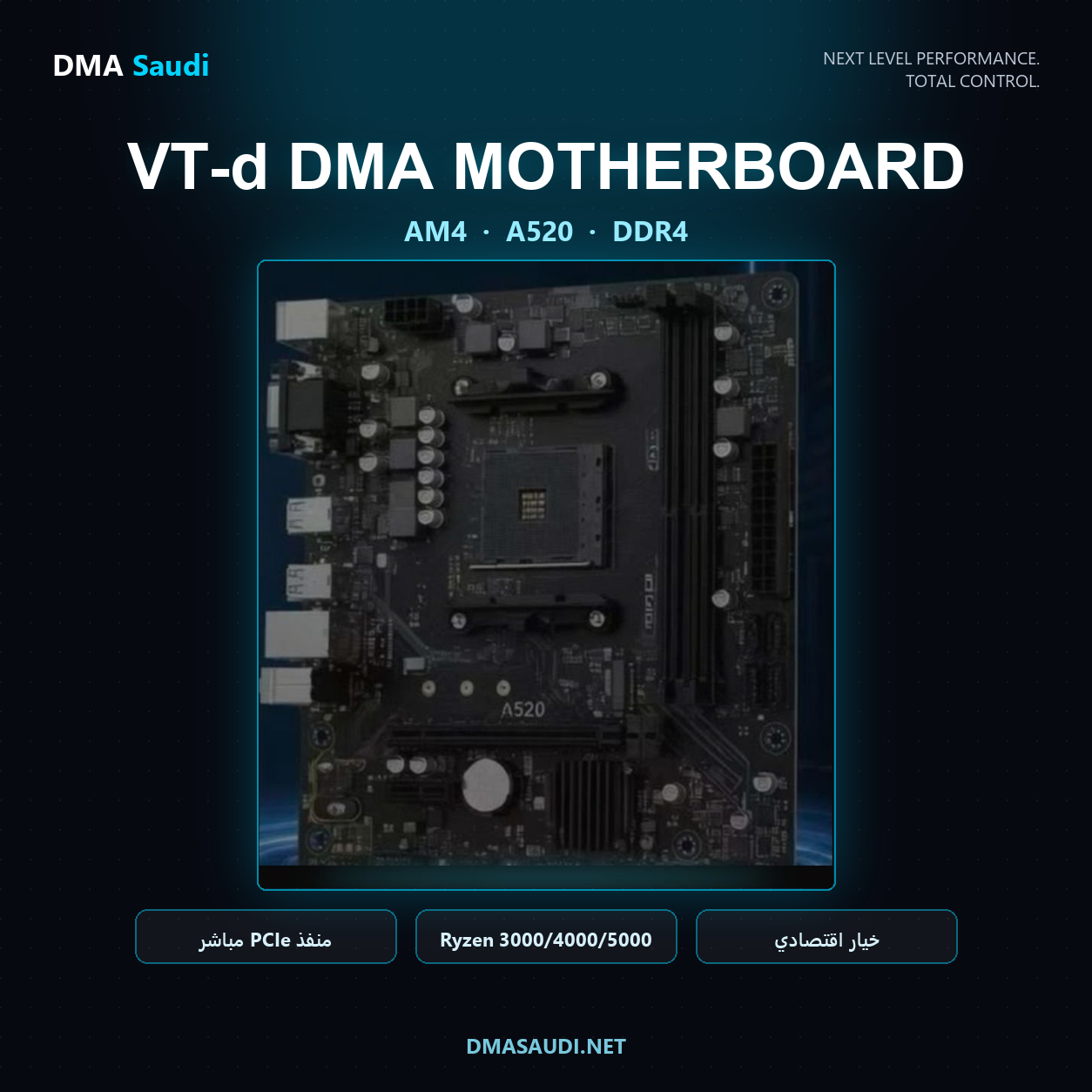
AM4 • A520 • DDR4
The ideal budget option for anyone with a Ryzen 3000, Ryzen 4000 or Ryzen 5000 processor who wants to build a DMA PC at a reasonable cost.
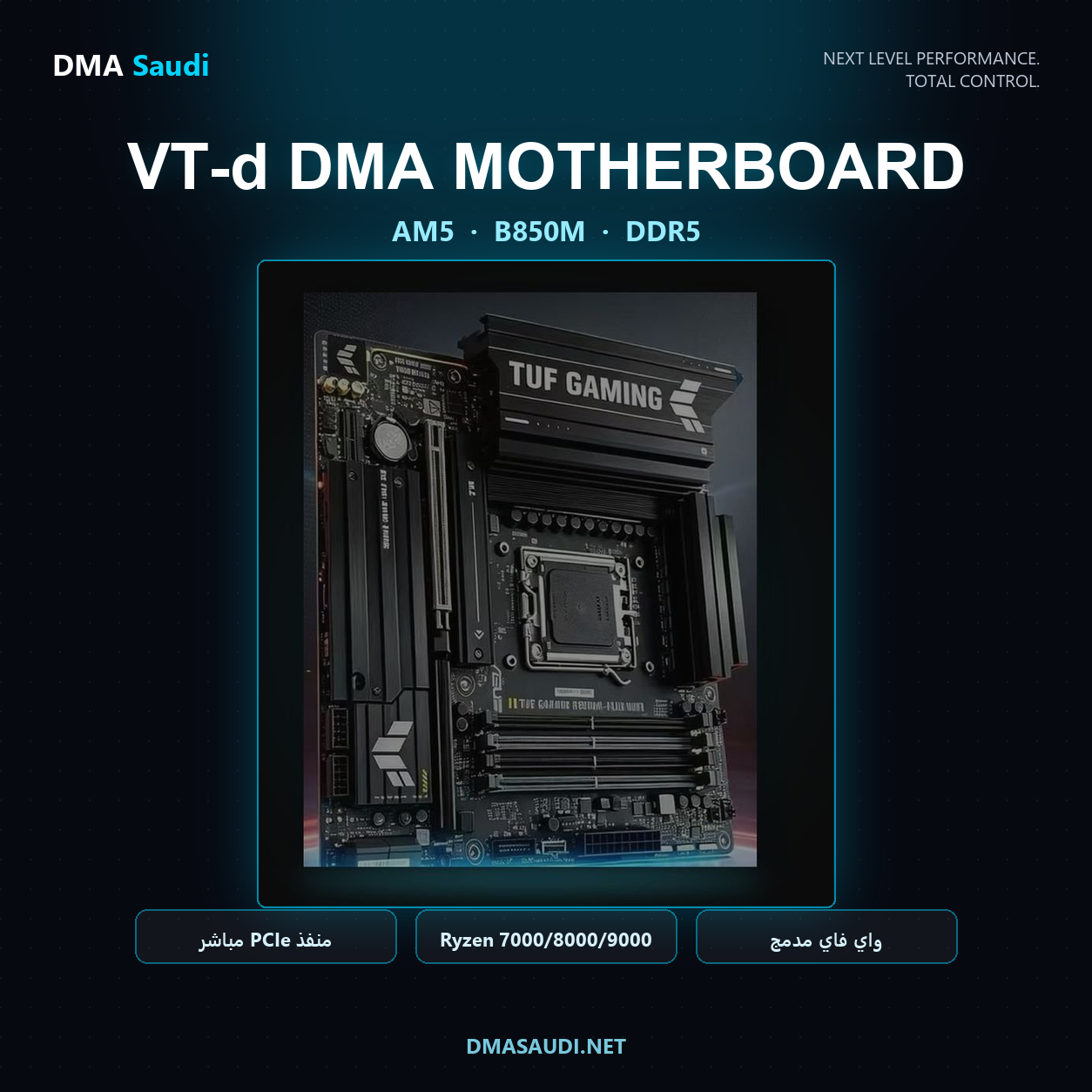
AM5 • B850M • DDR5
AMD's latest platform, supporting Ryzen 7000, Ryzen 8000 and Ryzen 9000 processors, with DDR5 memory, EXPO and built-in Wi-Fi.
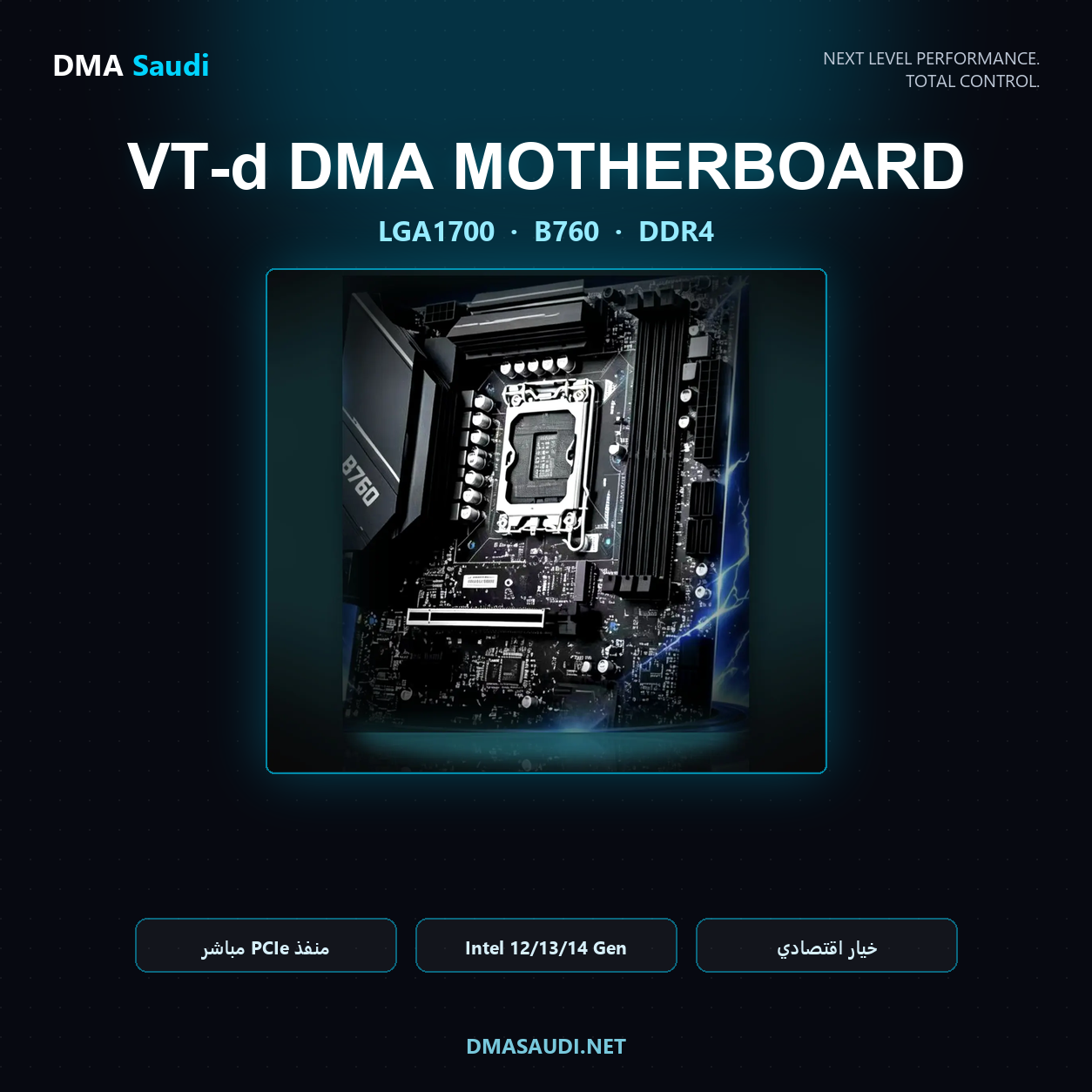
B760 • LGA1700 • DDR4
Intel's budget option for building a DMA PC. Supports 12th, 13th and 14th Gen Intel processors and works with DDR4 memory only — ideal if your memory is DDR4 and you want the lowest possible cost.
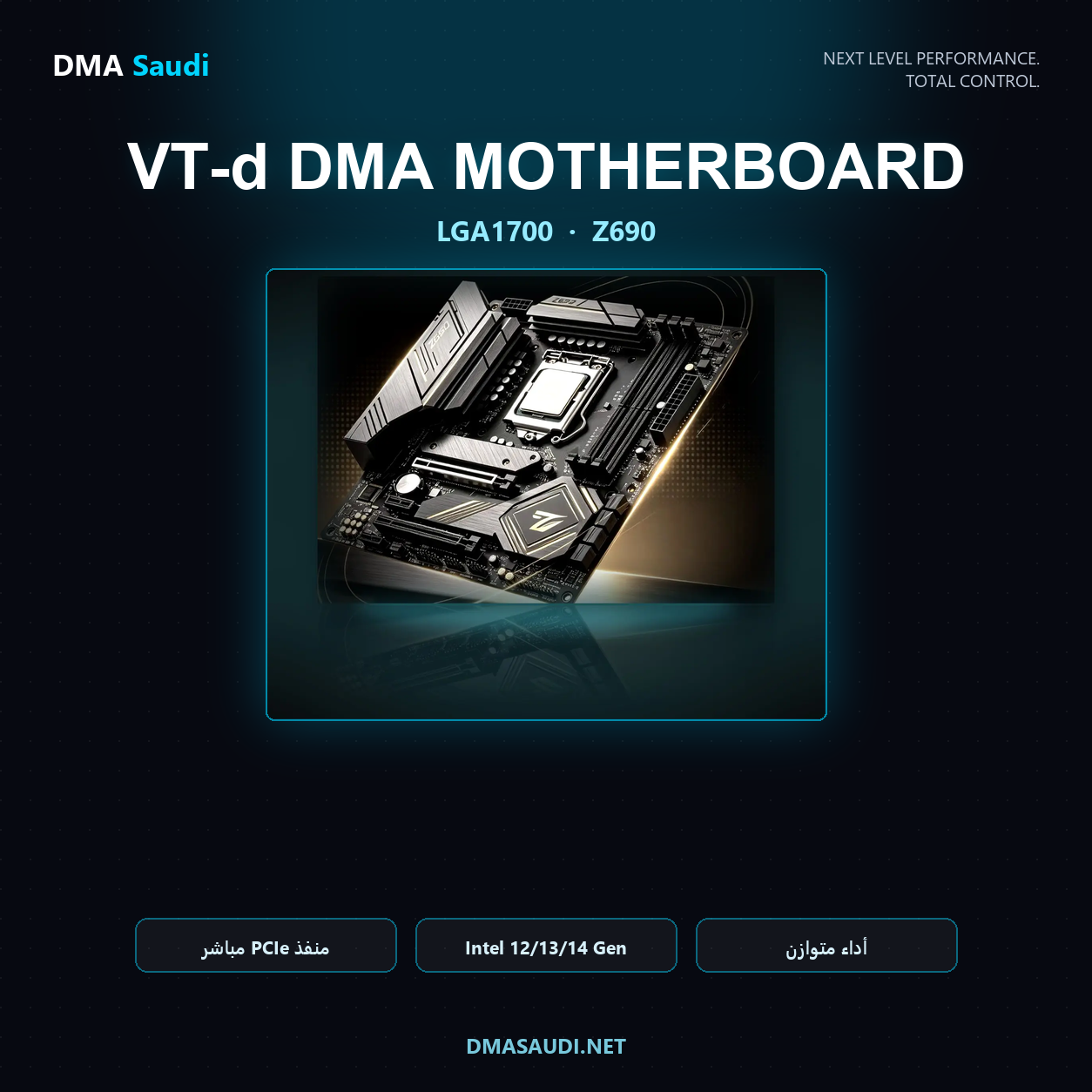
Z690 • LGA1700
An advanced chipset that supports overclocking for 12th, 13th and 14th Gen processors. Available in two versions: DDR4 andDDR5 — tell us your memory type when you order and we'll send the matching version.
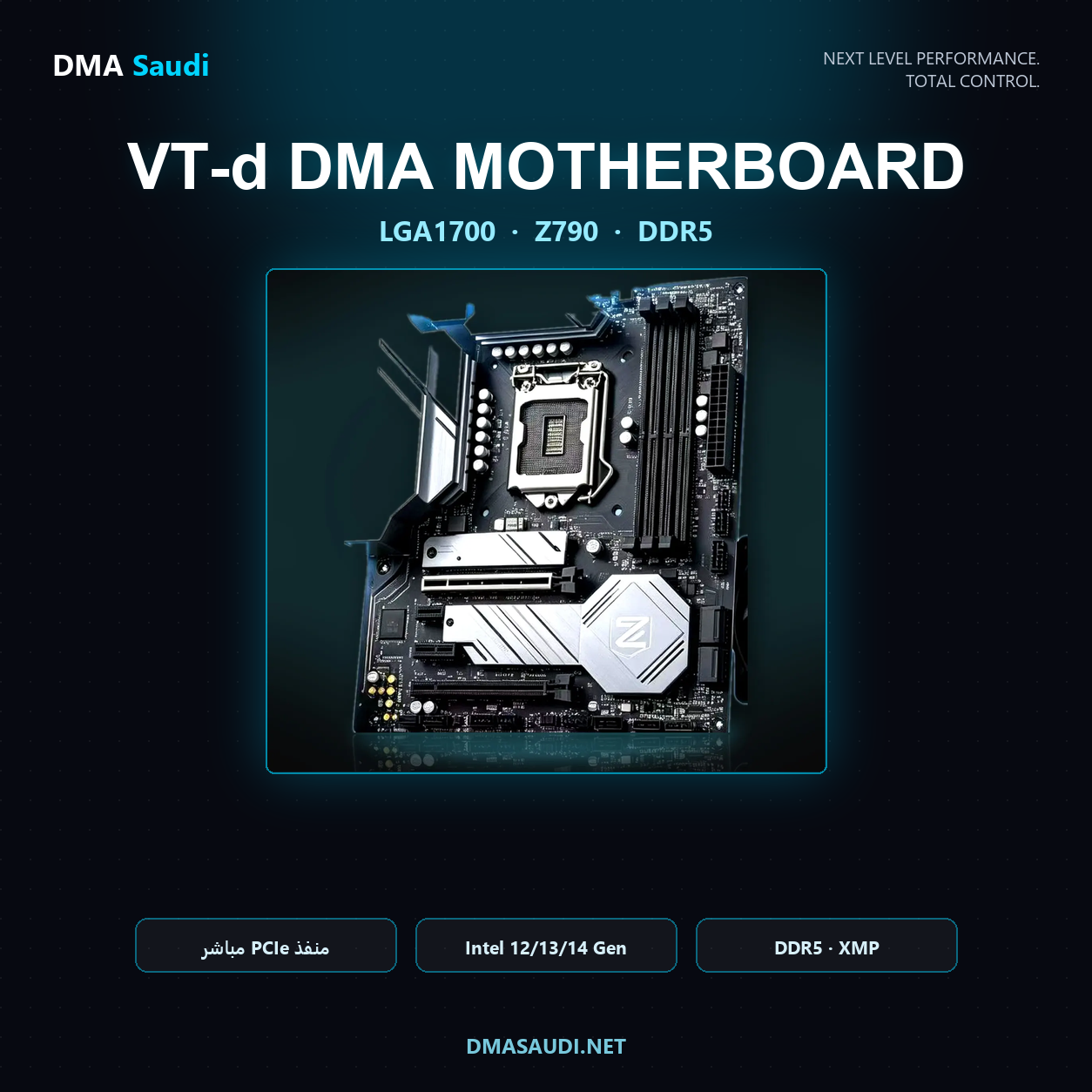
Z790 • LGA1700 • DDR5
The most powerful option on the LGA1700 socket. Supports overclocking and fast DDR5 memory with 12th, 13th and 14th Gen processors — the best choice for anyone who wants top performance on Intel's current platform.
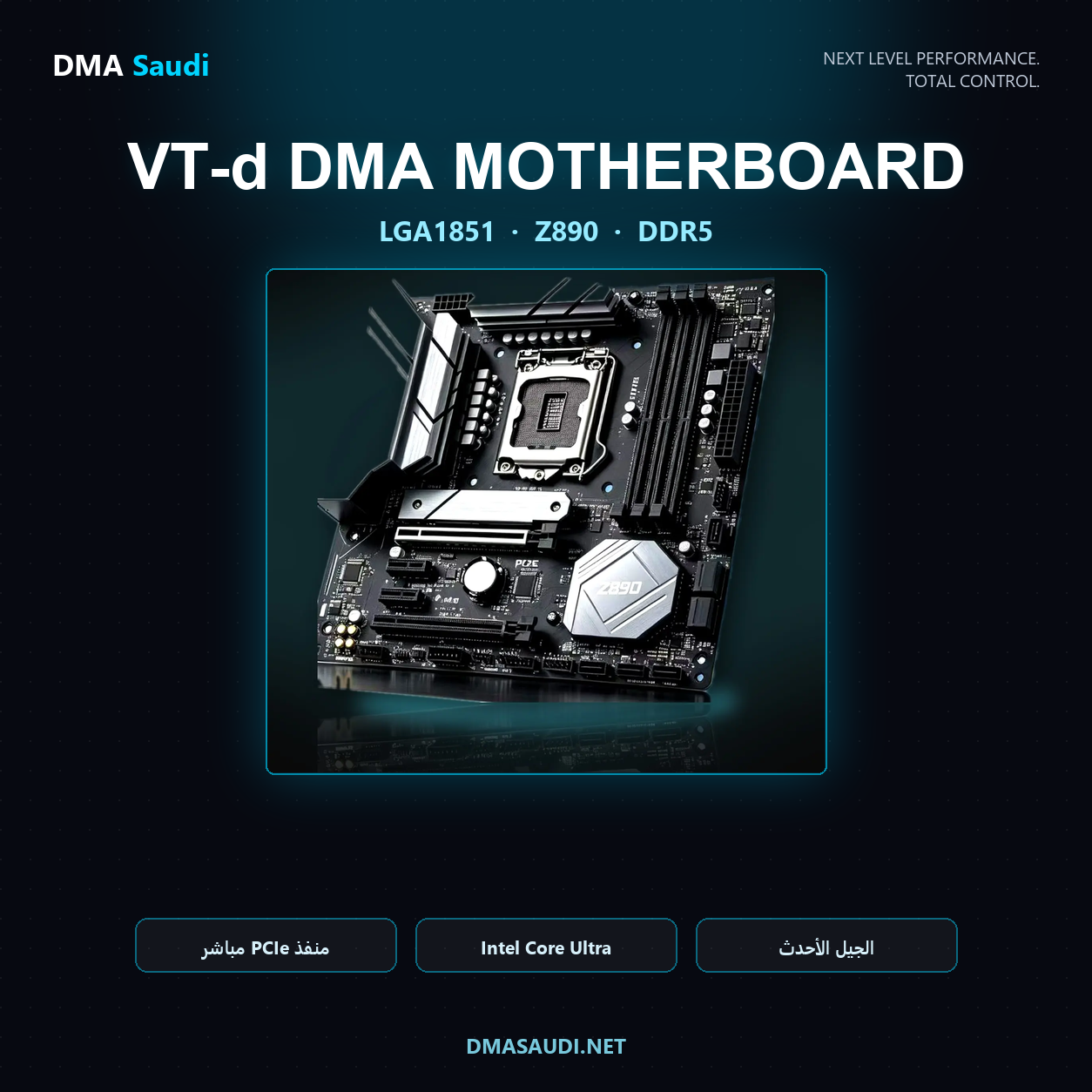
Z890 • LGA1851 • DDR5
Intel's latest platform, built for Core Ultra 200S processors exclusively, with DDR5 memory.
⚠️ Important: The Z890 board uses the LGA1851 socket and does not accept 12th, 13th or 14th Gen processors — those use the LGA1700 socket and won't physically fit. If your processor is 12th to 14th Gen, choose B760, Z690 or Z790.
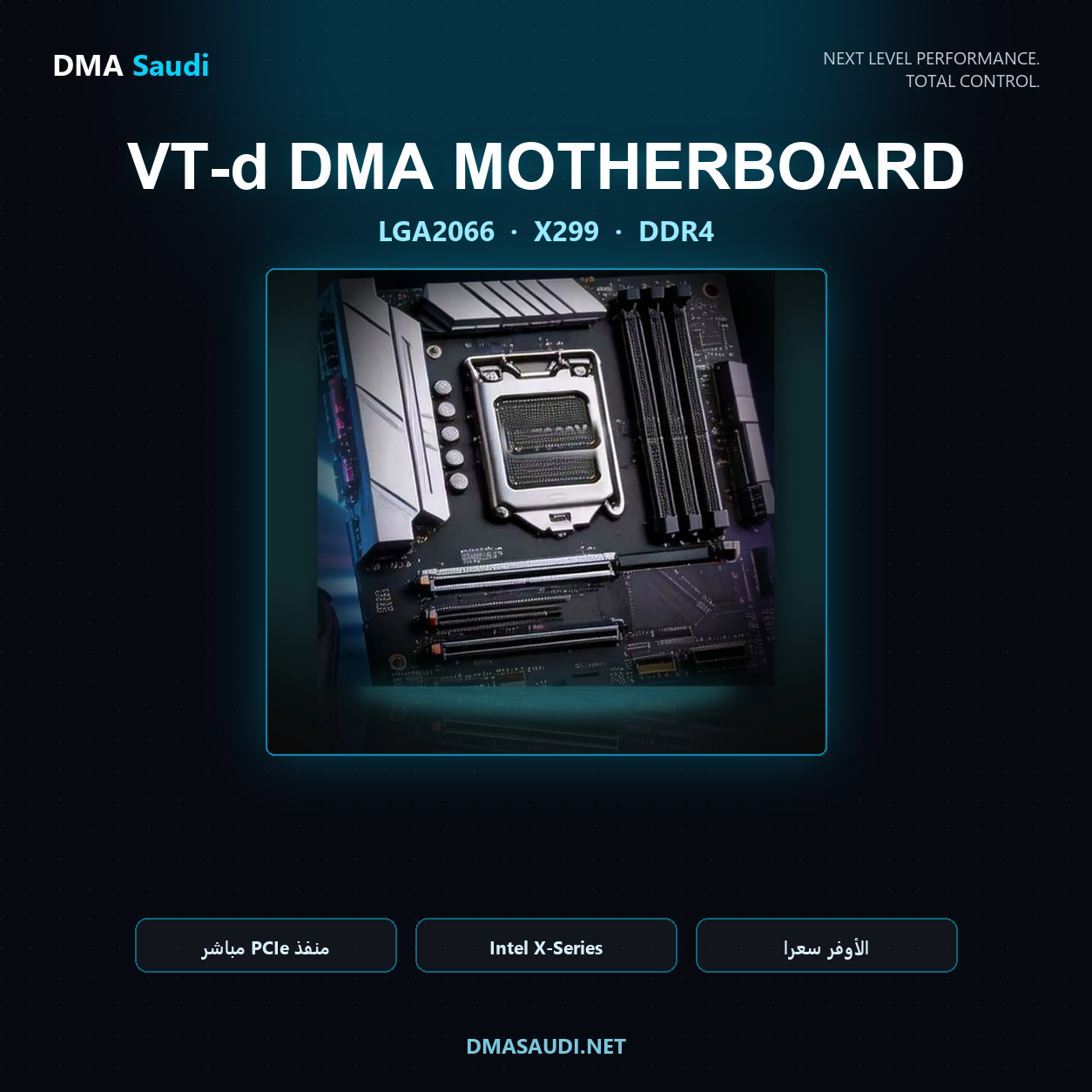
X299 • LGA2066 • DDR4
The lowest-priced option on the list. Built for Core i7 / i9 X-Series processors with quad-channel DDR4 memory — an excellent way to build a second DMA PC at the lowest cost if you have a processor from this class.
📊 Quick comparison of versions
Choose the board that matches your processor socket and memory type:
| Version | Socket | Supported processors | Memory |
|---|---|---|---|
| A520 | AM4 | Ryzen 3000 / 4000 / 5000 | DDR4 |
| B850M | AM5 | Ryzen 7000 / 8000 / 9000 | DDR5 |
| B760 | LGA1700 | Intel 12th / 13th / 14th Gen | DDR4 |
| Z690 | LGA1700 | Intel 12th / 13th / 14th Gen | DDR4 or DDR5 |
| Z790 | LGA1700 | Intel 12th / 13th / 14th Gen | DDR5 |
| Z890 | LGA1851 | Core Ultra 200S only | DDR5 |
| X299 | LGA2066 | Core i7 / i9 X-Series | Quad-channel DDR4 |
⭐ Why is a real PCIe slot better?
Many budget DMA setups rely on M.2-to-PCIe adapters, which are the most common cause of instability, disconnects and incompatibility with some cards.
With a direct PCIe x16 slot, you get the best stability and performance during long sessions.
- ✔ Direct PCIe x16 slot
- ✔ VT-d / IOMMU support
- ✔ No M.2-to-PCIe adapter needed
- ✔ No PCIe lane splitting needed
- ✔ No BIOS modifications needed
- ✔ Quick, easy installation
- ✔ High stability during use
- ✔ Designed specifically for DMA setups
📋 Specifications
AM4 version
- Socket AM4
- AMD A520 chipset
- Micro-ATX form factor
- Two DDR4 memory slots
- PCIe x16 slot
- M.2 NVMe support
- SATA drive support
- ATX 24-Pin power connector
- CPU power connector
AM5 version
- Socket AM5
- AMD B850M chipset
- Micro-ATX form factor
- Four DDR5 slots
- EXPO support
- PCIe x16 slot
- Multiple M.2 slots
- Built-in WiFi
- ATX 24-Pin power connector
- CPU power connector
Intel versions
- B760 (LGA1700): Intel B760 chipset · DDR4 memory · PCIe x16 slot for the DMA card · M.2 NVMe slots · ATX 24-Pin power
- Z690 (LGA1700): Intel Z690 chipset · overclocking support · DDR4 and DDR5 versions · PCIe x16 slot · M.2 slots
- Z790 (LGA1700): Intel Z790 chipset · overclocking support · DDR5 memory · PCIe x16 slot · multiple M.2 slots
- Z890 (LGA1851): Intel Z890 chipset · DDR5 memory · PCIe x16 slot · M.2 slots · for Core Ultra 200S processors only
- X299 (LGA2066): Intel X299 chipset · quad-channel DDR4 memory · PCIe x16 slot · X-Series processor support
🖥 Processor compatibility
AM4
Supports:
- Ryzen 3000
- Ryzen 4000
- Ryzen 5000
Popular processors:
- Ryzen 5500
- Ryzen 5600
- Ryzen 5600X
- Ryzen 5700X
- Ryzen 5700X3D
- Ryzen 5800X
- Ryzen 5800X3D
- Ryzen 5900X
- Ryzen 5950X
Not supported:
- Ryzen 1000
- Ryzen 2000
- Ryzen 2200G
- Ryzen 2400G
- Ryzen 3200G
- Ryzen 3400G
AM5
Supports:
- Ryzen 7000
- Ryzen 8000
- Ryzen 9000
Popular processors:
- Ryzen 7600
- Ryzen 7600X
- Ryzen 7700
- Ryzen 7700X
- Ryzen 7800X3D
- Ryzen 9600X
- Ryzen 9700X
- Ryzen 9800X3D
- Ryzen 9900X
- Ryzen 9950X
Intel — LGA1700 (B760 / Z690 / Z790)
Supports:
- Intel 12th Gen
- Intel 13th Gen
- Intel 14th Gen
Popular processors:
- i5-12400 / i5-12600K
- i5-13600K / i7-13700K
- i9-13900K / i7-14700K
- i9-14900K / i9-14900KS
Intel — LGA1851 (Z890)
Supports: Core Ultra 200S processors only — such as the Ultra 5 245K, Ultra 7 265K and Ultra 9 285K.
Not supported: 12th, 13th and 14th Gen processors (they use the LGA1700 socket and don't fit LGA1851).
Intel — LGA2066 (X299)
Supports: Core i7 and i9 X-Series processors — such as the 7900X and 10980XE.
🎯 How do you choose the right socket for your processor?
The fastest way to find the right board for your second DMA PC:
- Processor Ryzen in the 3000, 4000 or 5000 series ← choose AM4 (A520)
- Processor Ryzen in the 7000, 8000 or 9000 series ← choose AM5 (B850M)
- Processor Intel 12th, 13th or 14th Gen ← choose B760 or Z690 or Z790
- Processor Core Ultra 200S ← choose Z890 only
- Processor Core i7 / i9 X-Series ← choose X299 only
💬 Not sure? Send us your processor model and memory type and we'll pick the right version for you before you order.
❓ FAQ
Does one board fit every processor?
No. Each socket accepts only the processors designed for it. An AM4 processor won't fit an AM5 board, and a 14th Gen Intel processor won't fit an LGA1851 board. Check your processor model before ordering — this is the most common mistake buyers make.
Does the Z890 board support 12th, 13th and 14th Gen processors?
No. The Z890 board uses the LGA1851 socket and accepts Core Ultra 200S processors only. Some sources wrongly say it supports 12th to 14th Gen, which isn't true because those processors use the LGA1700 socket.
Can I move my current parts to the new board?
Yes, as long as the socket and memory type match. Your processor, cooler, storage, power supply and case all move over with you. AM4 and AM5 coolers share the same mounting holes, and LGA1700 coolers usually come with the right bracket.
Do I need to reinstall Windows after changing the board?
It's recommended. A clean Windows install on the second PC is the safest and most stable option, and it only takes a few minutes.
Why is a direct slot better than an M.2 adapter?
Because M.2-to-PCIe adapters are the most common cause of instability and the DMA card dropping out mid-session. A direct slot removes that problem at the root and gives you better stability.
📦 What's in the box
- VT-d Ready motherboard in the version you choose (AMD or Intel)
Not included:
- Processor
- Memory (RAM)
- Storage
- Power supply (PSU)
- Case
⚠️ Important notes
- Choose the version that matches your processor.
- An AM4 processor can't be installed on an AM5 board.
- DDR4 can't be used on a DDR5 board.
- Versions are available for AMD processors and for Intel processors — make sure you choose the socket that matches your processor.
- For the best stability, we recommend reinstalling Windows after building your DMA PC.


Reviews
There are no reviews yet.